
Janova PaddlePulse
You already have a PaddlePulse and have questions about the functionality? Would you like more information before deciding on a PaddlePulse? If so, you’ve come to the right place!
-
Who we are
From canoeists for canoeists: We are a team of ambitious canoeists, computer scientists, and engineers bringing water sports into the digital age. Because the classic stopwatch was no longer precise enough for us, we are developing next-generation performance sensors in Leipzig’s “Water City.” Through our close collaboration with elite coaches as well as the IAT and FES, we combine sporting passion with scientific precision.
-
Our Story
Five years of intensive research, hundreds of test runs, and the trust of the world’s elite: what began as a doctoral project has long since left local waters behind. Today, PaddlePulse is the global standard for athletes who want to take their performance to the next level. With cutting-edge sensor technology and precise data analysis, we redefine the limits of what’s possible in water sports every day.
FAQ
What makes the PaddlePulse better than other products?
The PaddlePulse offers an unaltered paddling experience, as it attaches to the stern of the boat—no disruptive sensors on the paddle shaft. This positioning also allows precise insights into the boat’s roll and pitch movements, which other devices cannot measure. Data is displayed in real-time on your watch, so you can leave your phone at home. With a battery life of up to 3 months, the sensor stays conveniently on the boat. To charge, simply remove the suction cups—no complex installation needed.
What types of boats are compatible?
We support kayaks: K1, K2, K4; Canoes: C1, C2, C4; Surfskis: SS1, SS2; and outrigger canoes: OC1, OC2, OC6
PaddlePulse-Pro vs PaddlePulse-Power
The two sensors differ significantly in terms of compatibility:
- The PaddlePulse-Power requires a Garmin watch and displays data in real time across any sport profile. Metrics such as boat roll can also be displayed. All Garmin watches compatible with this Garmin app can make full use of the PaddlePulse-Pro.
- The PaddlePulse-Power mimics a cycling cadence and power sensor and, as such, is compatible with any modern sports watch. However, to view the data in real time, the cycling profile must be selected. Metrics such as boat roll are not transmitted.
How can a sensor at the stern of the boat measure the power?
Boat acceleration is the direct result of applied force. The PaddlePulse monitors these changes at a sample rate of over 100Hz to ensure maximum data accuracy. If the paddle is out of the water, the forces due to current, wind, water resistance and similar are analyzed. As soon as the paddle is in the water, the force of the stroke can be measured via the positive acceleration of the boat.
How do I connect my watch to the sensor?
PaddlePulse-Pro: To connect the watch, this data field must be loaded onto your Garmin watch via the Connect IQ app. Now open a sport, add the data field, and place the PaddlePulse next to the watch. Once the PaddlePulse is loaded, the watch and sensor will pair automatically. The data field will now jump from -1 to 0.
PaddlePulse-Power: The sensor mimics a bike cadence/power meter and can be added to the sports watch accordingly.
How can I change the sensor settings?
For the PaddlePulse Pro, go to the PaddlePulse data field in the Garmin Connect IQ app. There you’ll find the “Settings” submenu. Here you can select whether the next session should be in K1, K2, or K4, and which parameters are displayed in the data field.
For the PaddlePulse Power, you can adjust the settings in the PaddlePulse app.
How do I charge the battery of the PaddlePulse?
The PaddlePulse is equipped with a USB-C rechargeable battery. A single 3-hour charge provides up to 3 months of training battery life. Note: Because the motion sensor wakes upon movement, carrying the device will consume power. We recommend keeping the sensor attached to the boat throughout the 3-month period.
Detailed setting description
Paddler's Weight: The athlete's weight is needed to calculate the power.
Boat Weight: A default boat weight of 12 kg is assumed. You can enter a different weight class here if needed.
Boat Type: Power calculation assumes you're paddling in a K1/Surfski. For accurate power readings in other boat types, please select the corresponding option.
Performance Metrics: While paddling, you can display real-time variables in the data field, including stroke rate [strokes/minute], power [watts], the boat’s roll, pitch, and yaw [degrees], meters per stroke [meters], and V-diff (speed difference between the propulsion and glide phases) [meters/second]. The variables displayed are selected in Connect-IQ App for the PaddlePulse-Pro sensor. For the PaddlePulse-Power, power and stroke rate can be set in the sport profile.
Reset watch-sensor pairing: The watch remembers the last PaddlePulse-Pro to which it was connected and refuses to connect to a new one unless this setting is activated.
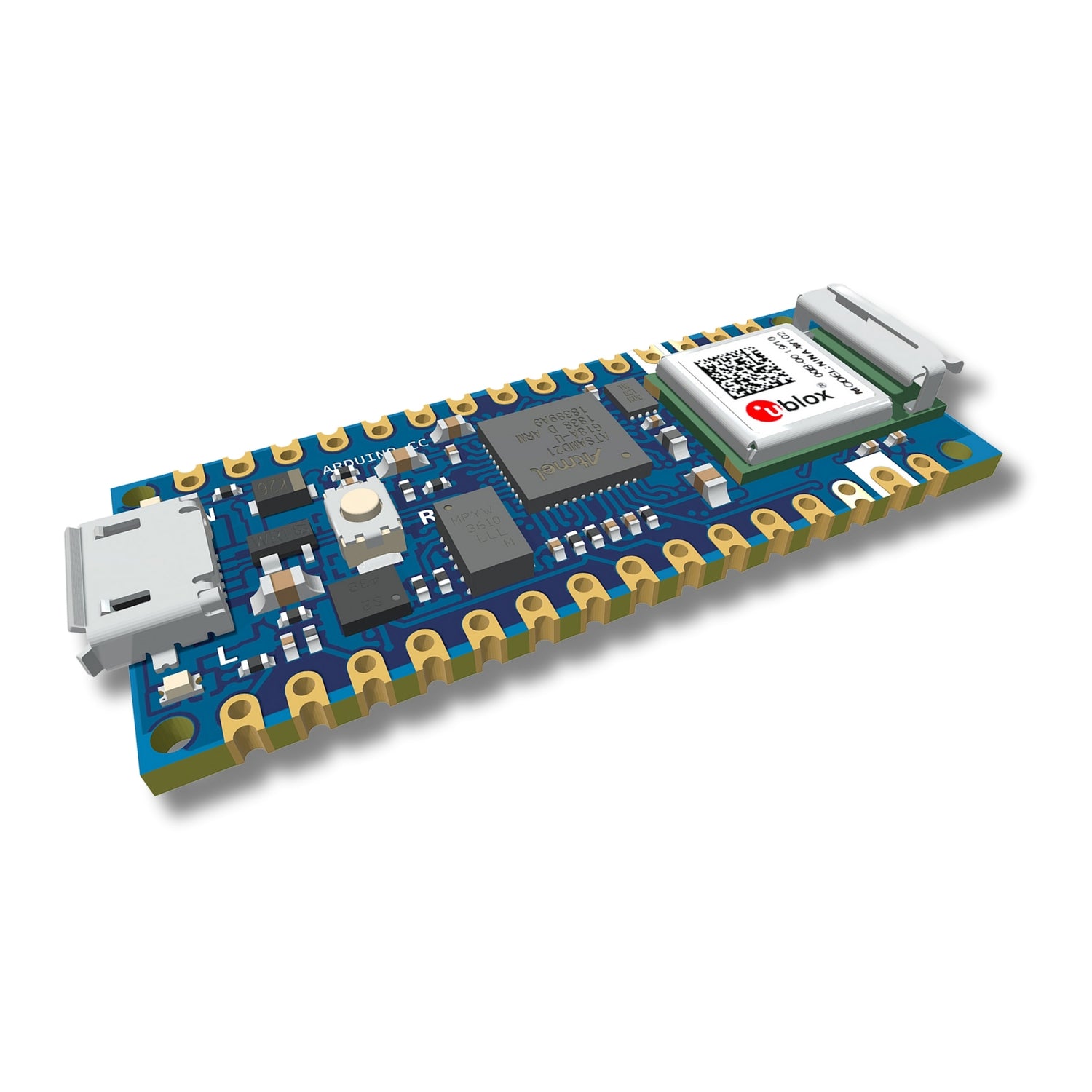
Technical Details
- Weight: 120g
- Dimensions: 130x80x40mm
- Lithium-Ion Battery: 500mAh
- Multiprotocol Radio: Bluetooth® 5
- Sensor: 6-Axis-IMU LSM6DS3TR
- Processor: 64 MHz Arm Cortex